What actually is a live set?
There are two questions in it: how does material get in, played live or pre-programmed? And which roles does a piece need to sound like something? A device only answers the first.
Listen to a favourite song and count the roles: what drums, what hums, what carries the melody?
CH 01What a live set is made of›Before we get to devices, another question is worth asking: what is the thing you actually hear at the end made of.1 min
Before we get to devices, another question is worth asking: what is the thing you actually hear at the end made of. The answer is almost the same for every piece of music, whether it is techno, folk or beatbox.
A live set has two sides, and most misunderstandings come from mixing them up. One side is technical: how does material get into your set at all. The other is musical: which roles have to be filled for it to sound like something. A device only ever answers the first question. You answer the second.
The technical side: how something gets in
There are exactly two ways to get material into a live set, and most people combine both.
- Looping. You play or sing something and record it in the moment. The material comes into being in front of an audience.
- Sequencing. You program a pattern and the device plays it back. The material may have been made beforehand.
The musical side: what belongs in it
Almost every piece needs the same roles, regardless of the technology:
[The hands-on graphic for this is above.]
Which instrument takes which role is open. A voice can be the drums, a synthesizer can play the bass. The roles stay the same, the casting changes from piece to piece.
IN THE BOOKLET: CH 01 · OLD VERSION
CH 18Four ways to play live›Live electronic music is not DJing.3 min
Live electronic music is not DJing. When you DJ, you mix finished tracks. On the four routes here, the music is created in front of an audience or shaped there. The routes stand side by side, none of them builds on another.
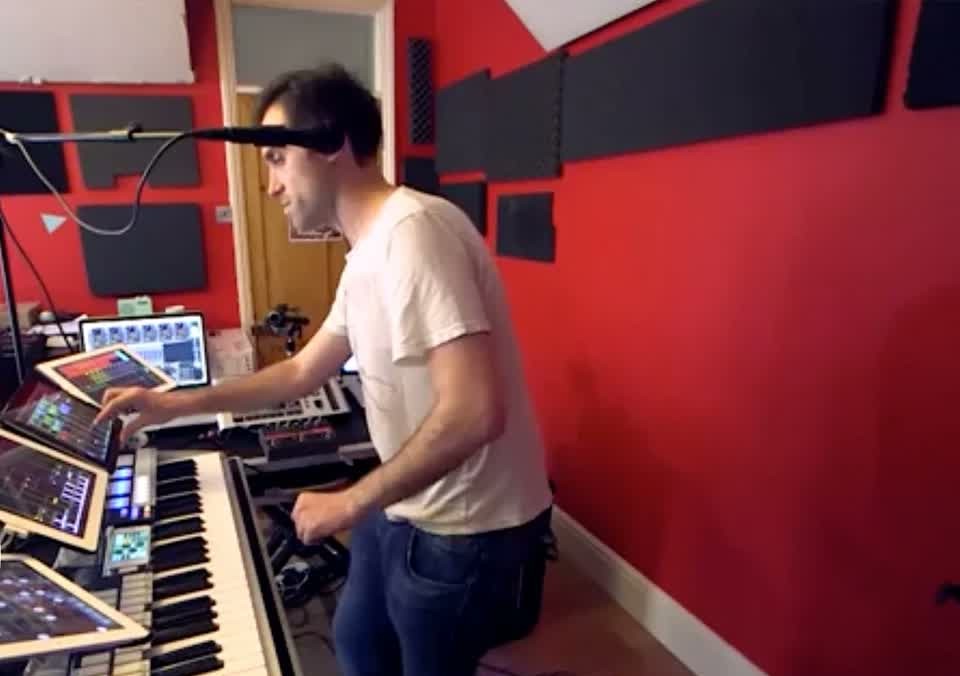
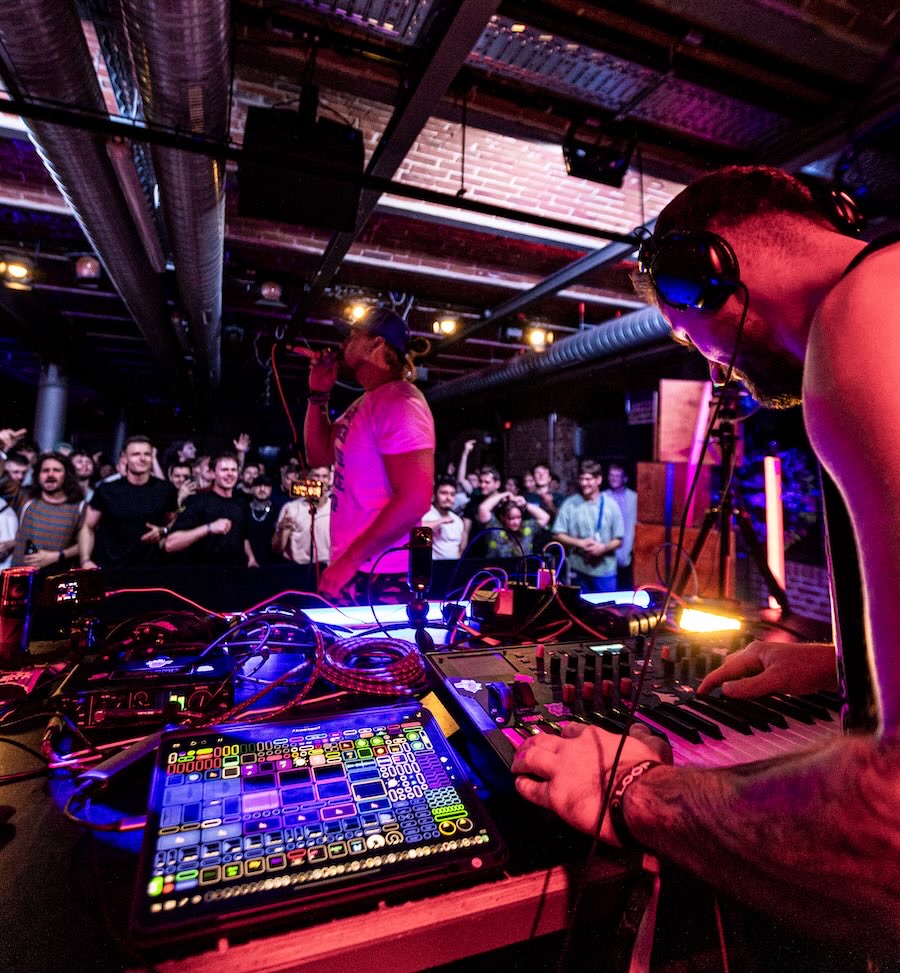

Route one: Everything live
There is no prepared material. Everything is created in front of the audience, in the moment, and looped and layered there.
Beardyman uses no samples at all. He shapes everything from his own voice, changes it with effects and improvises the whole evening. His setup in the picture is called the Beardytron, more on it in chapter 19. Marc Rebillet also does everything live and improvises, but uses samples as well.
Route two: looped live, other people's voices on top
kristof7s from chapter 22 loops his drums and his synthesizer live. On top he lays vocal stems, that is, isolated vocal tracks from well-known songs.
The interesting part is the reversal. When you DJ, the voice sits inside the finished track, and you choose the track. Here only the voice is fixed, and everything underneath is created in the moment.
Route three: the arrangement runs, the shaping happens live
Here the music is prepared in advance, laid out as a horizontal arrangement that is ready to go. Horizontal means: the piece lies in front of you as a timeline from left to right, track under track. Intro, build-up, drop, break and outro sit firmly one after another, just like in the arrangement view of a DAW. Press play, and everything runs from start to finish.
This is how NTO plays live, for example. His sequences are prepared and run linearly, he doesn't have to trigger anything. Live he turns parameters such as reverb and filter. And if he wants, he lets a sequence run longer than it was planned in the arrangement.
The counterpart is the Session View from chapter 19. There nothing sits in a fixed order, you decide live what comes next.
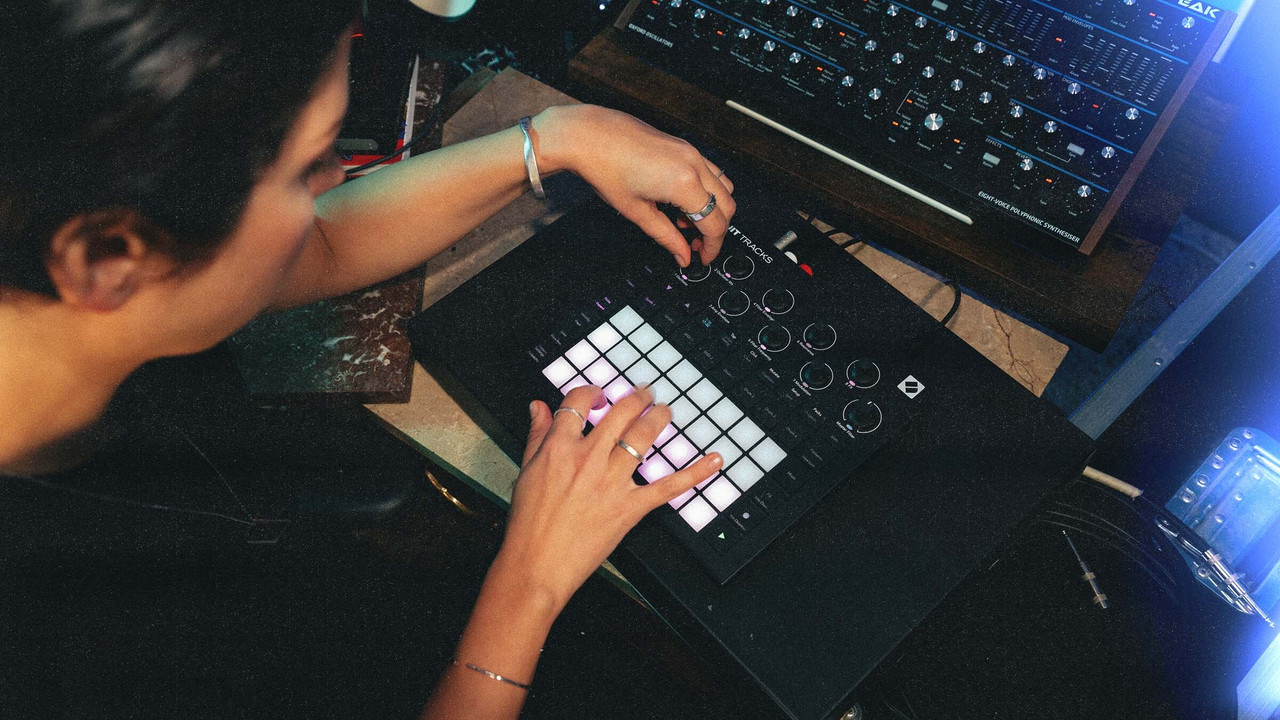
Route four: Sequences on the device, played by you
Your sequences sit finished on the device, but nothing runs by itself. You are completely responsible: which sequence runs when, which ones you combine and when you switch.
And you bring them to life by turning the knobs. Open the filter, add reverb, take one track out, bring another in. That is the difference between playing back and playing.
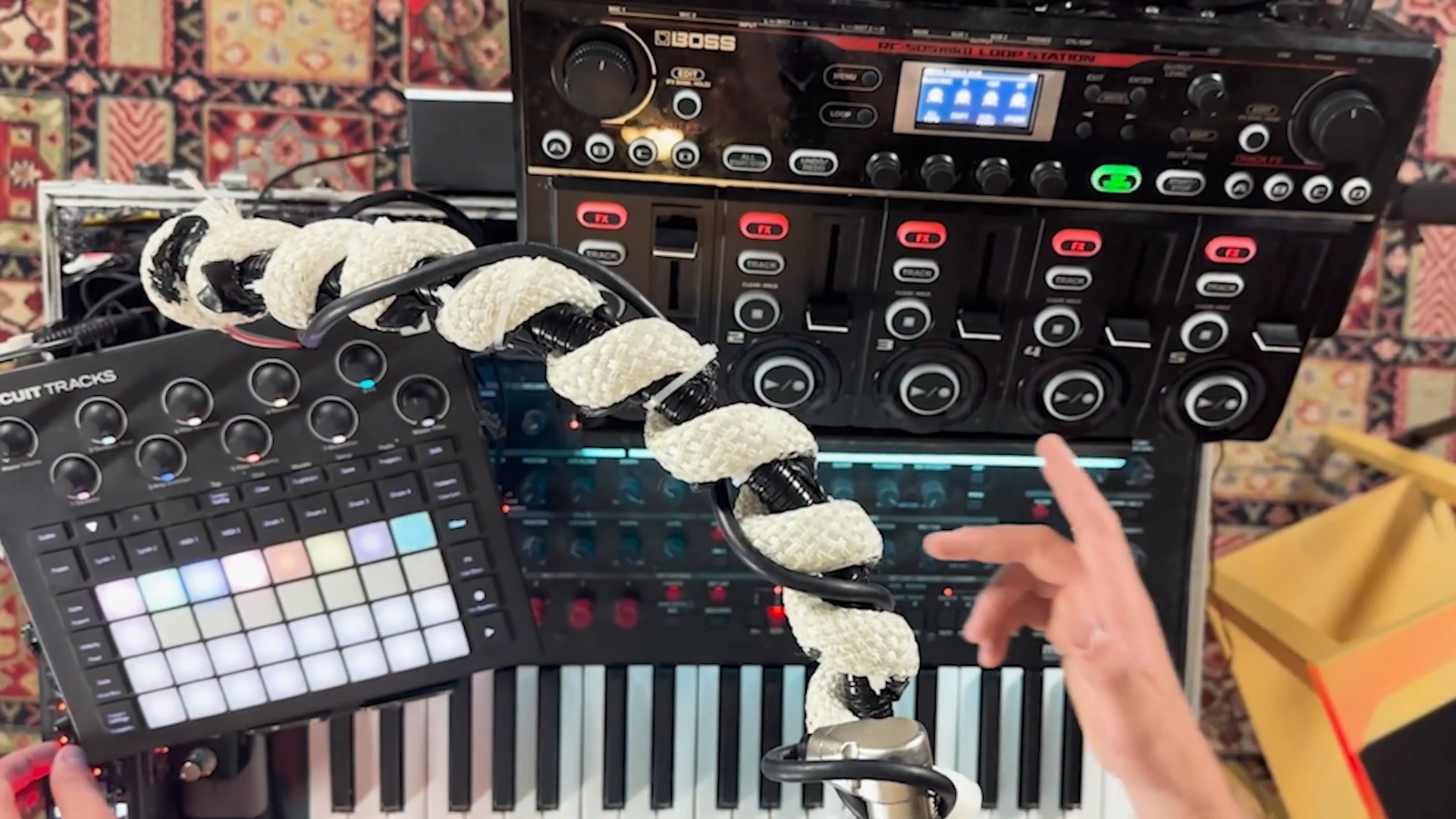
When you DJ, you mix finished tracks, and the transition is the real discipline. A craft of its own, just not what we practise here. On all four routes above, the music is created live or shaped live.
In the course we work with a groovebox and a loop station. That is mainly route four and route one.
IN THE BOOKLET: CH 18 · OLD VERSION
CH 19Why Ableton is not at the centre here›Ableton Live is software for producing and performing and is extremely strong in that field.2 min
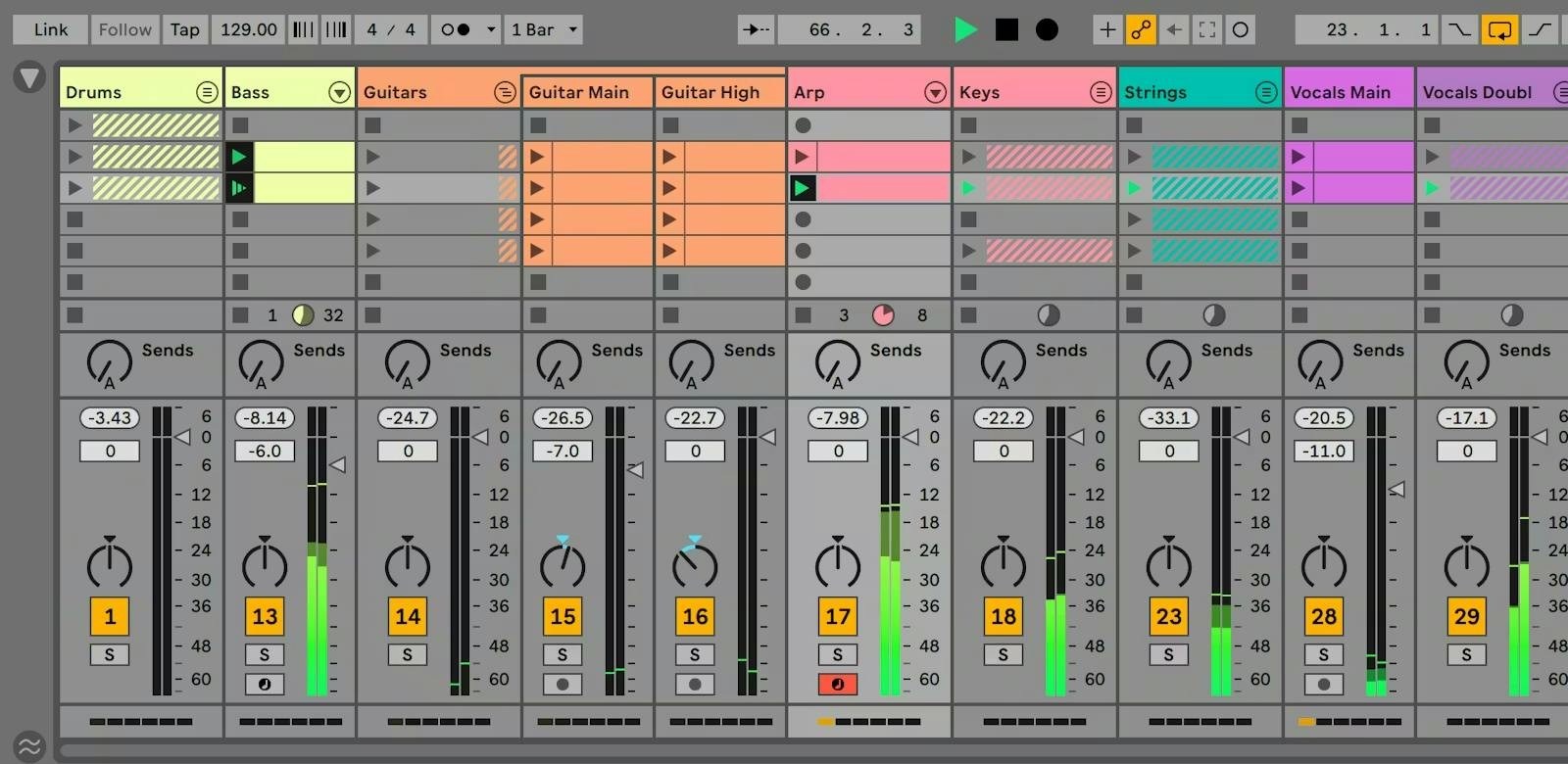
Ableton Live is software for producing and performing and is extremely strong in that field. I still do not cover it in depth in the course, for two honest reasons.
First, I am not good enough at it myself to teach it. I know people who swear by it and could convey it better than I could.
Second, it fits a different job. Ableton is strong when you have finished producing your pieces and want to make a live version of them. If you want to start without finished material and invent in the moment, loop stations and grooveboxes are the more direct route.
If after the course you realise you actually want to play your produced songs live, that is exactly the place to go.
A counter-example that complicates the matter anyway
Beardyman, for me the strongest looper there is when it comes to making something out of nothing, also works with Ableton. Just not the way you can buy it.
His route there is itself the whole story of this booklet in fast forward. He started with a loop station , the same RC-505 as everyone else. Then he had a programmer build him a system of his own in C++, the Beardytron. It could do a great deal, but there was a catch: he could not develop it further himself. So around 2019 he gave it up again and moved to Ableton, controlled from a self-built surface. By now he is gradually moving over to Loopy Pro, which he helps develop himself.
His criterion was never what a tool can do, but whether he can keep building on it himself . He threw away the most expensive, most powerful system because it needed somebody else every time. If you are torn between two routes, that is the most useful question: on which one can you get further tomorrow without outside help?
IN THE BOOKLET: CH 19 · OLD VERSION
CH 14And now?›This booklet explains terms.1 min
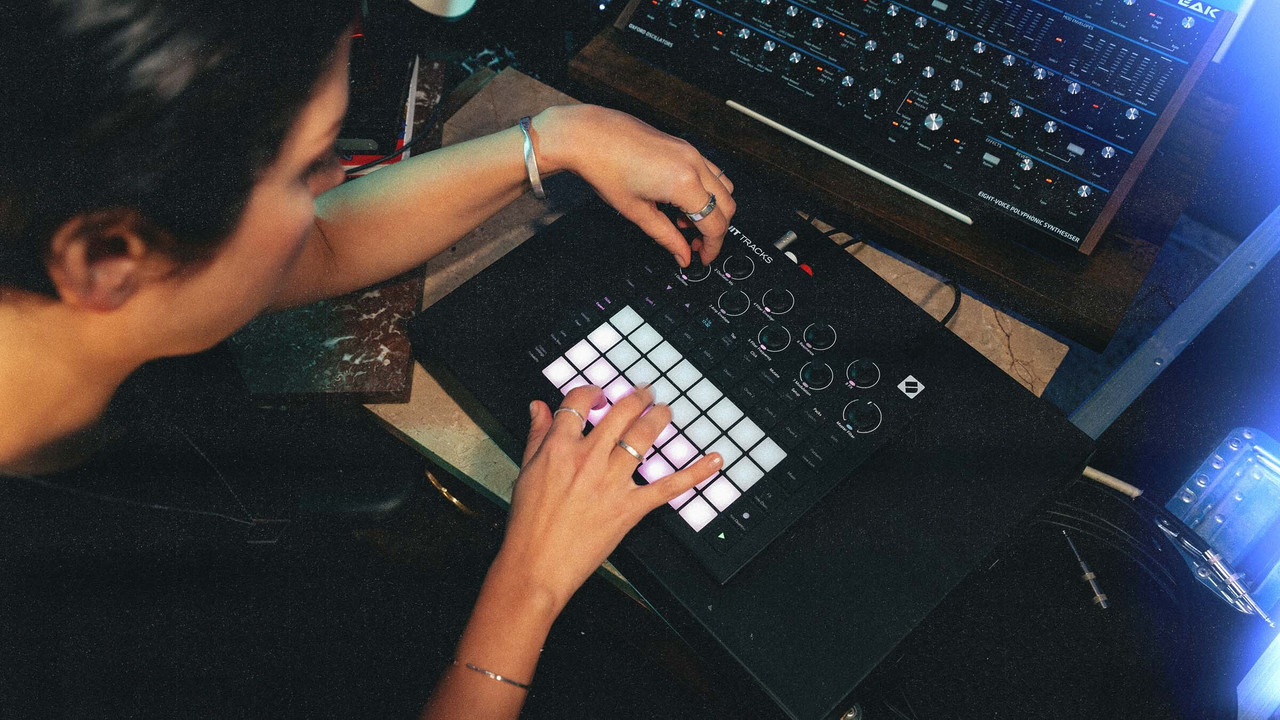
This booklet explains terms. It makes no music. That is the part that happens in the room.
If you have read this far, you can place every device in the course: you know where in the chain it sits, whether it carries instructions or sound, and what separates it from its neighbour. That is entirely enough. Everything else is learned on the device and not from a text.
There is no device that does the listening for you. Every box in this booklet is a tool for a decision you make yourself, at the moment it has to be made.
Booklet 2 goes further: where looping comes from, who makes a living from it, which routes exist, and a tiered list of where to learn more.
IN THE BOOKLET: CH 14 · OLD VERSION