What should I buy?
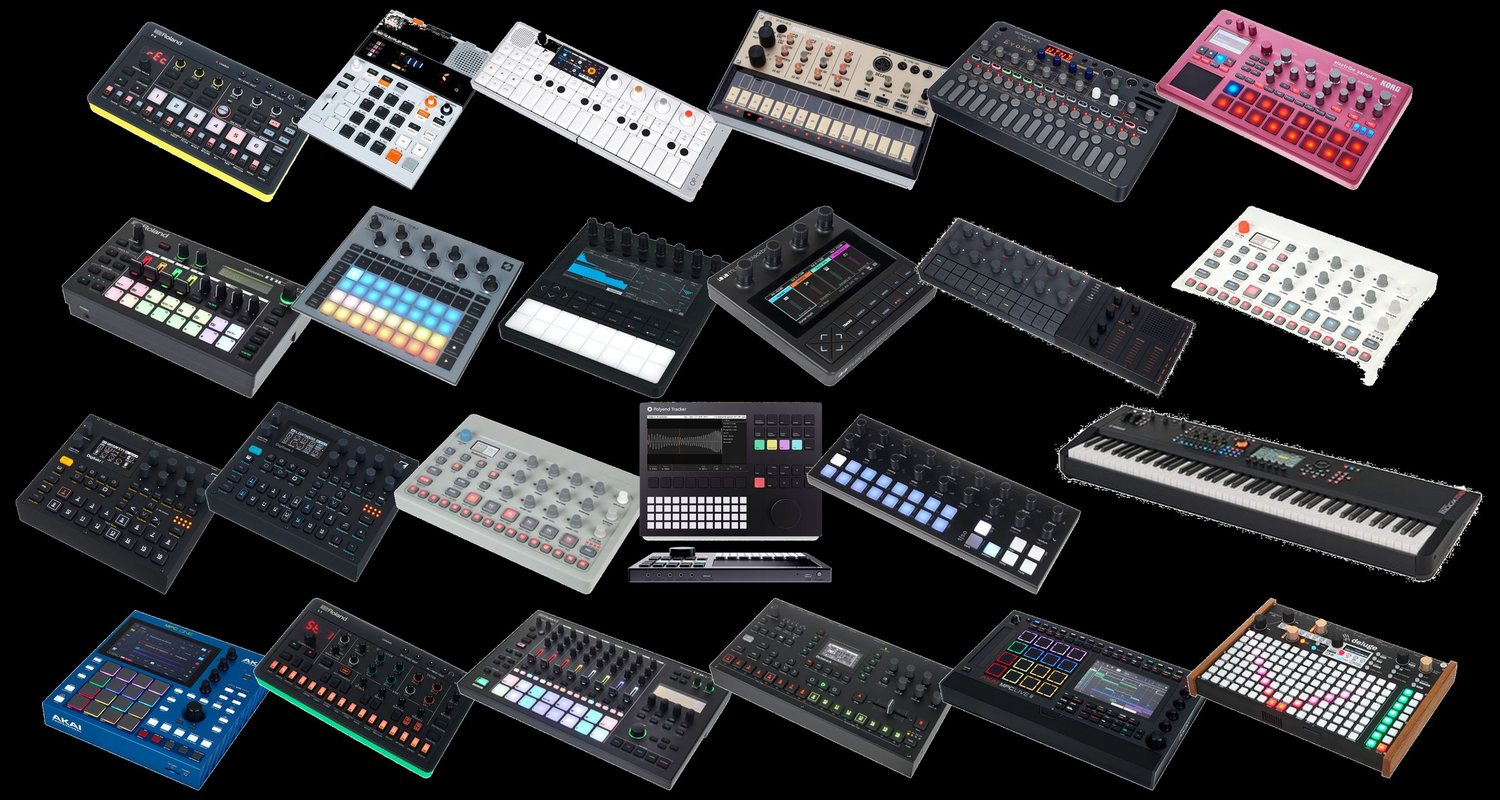
First work out what you want to do: loop with your voice, build a beat or turn a sound. Then the device. And a cheap device can become a completely different instrument with other firmware.
Tap the question above that tempts you most. That is your buying criterion, not the review.
CH 13Good devices to start with›Not a buying recommendation, but the names you keep meeting in beginner lists, with the one sentence that tells them apart.2 min
Not a buying recommendation, but the names you keep meeting in beginner lists, with the one sentence that tells them apart. All are small, affordable and run without a computer.
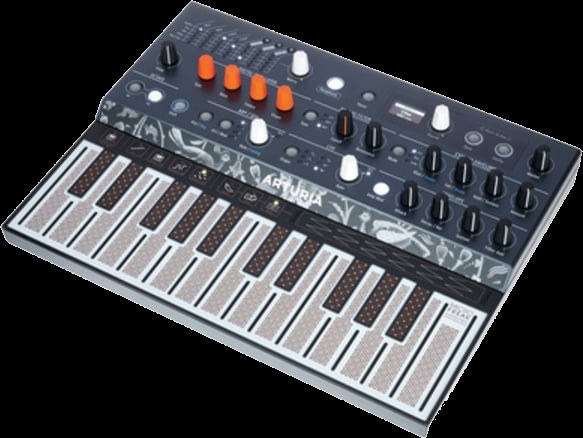
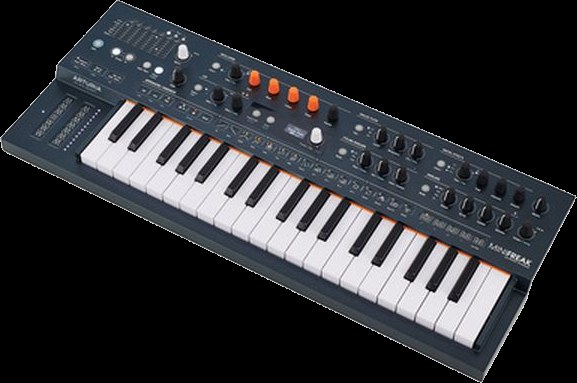
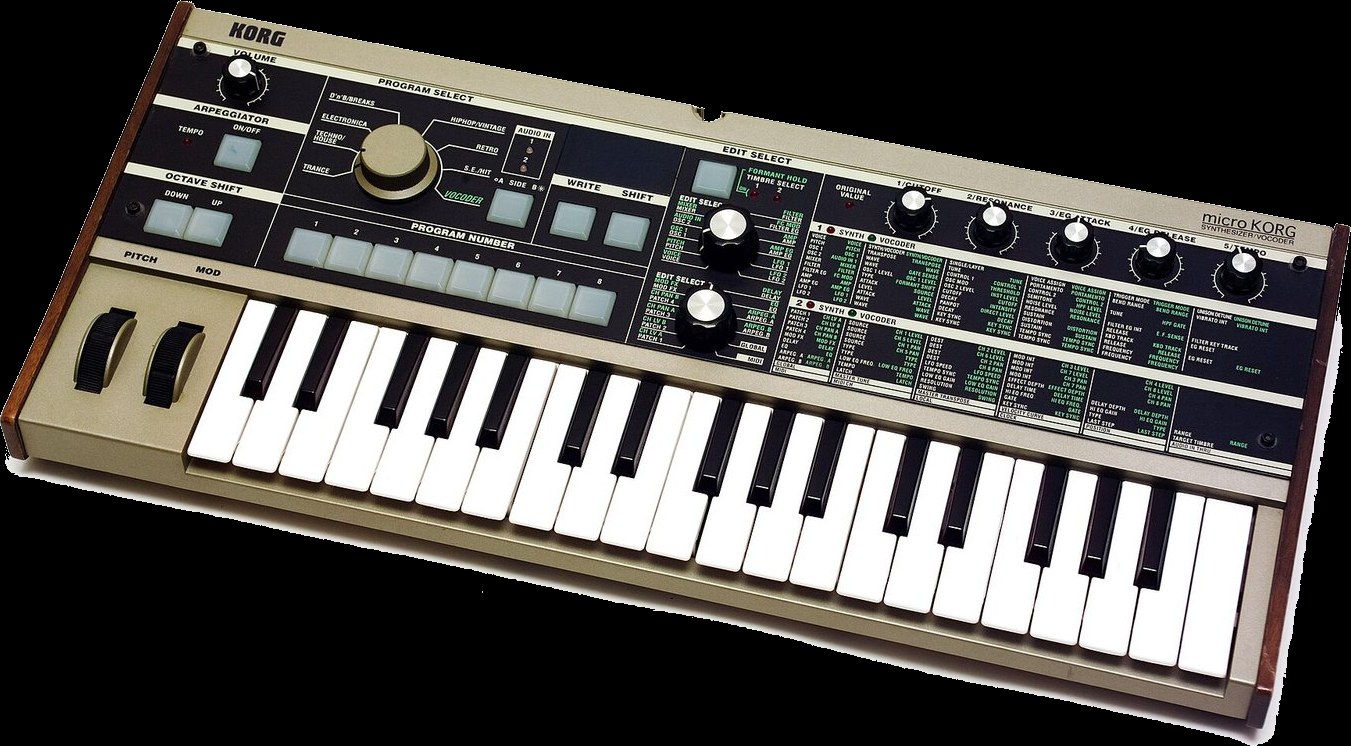
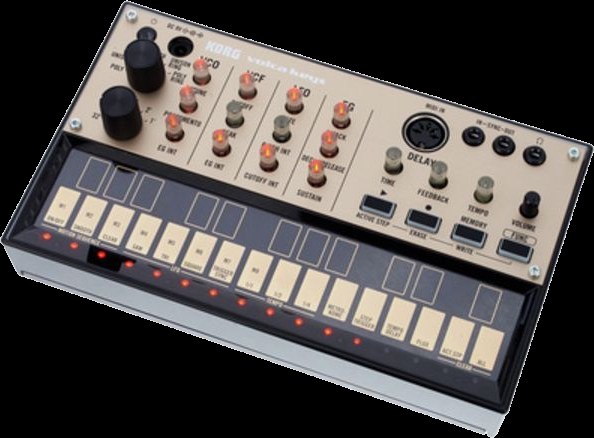
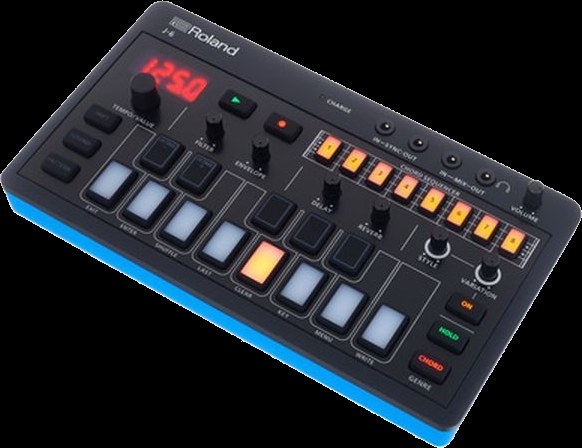
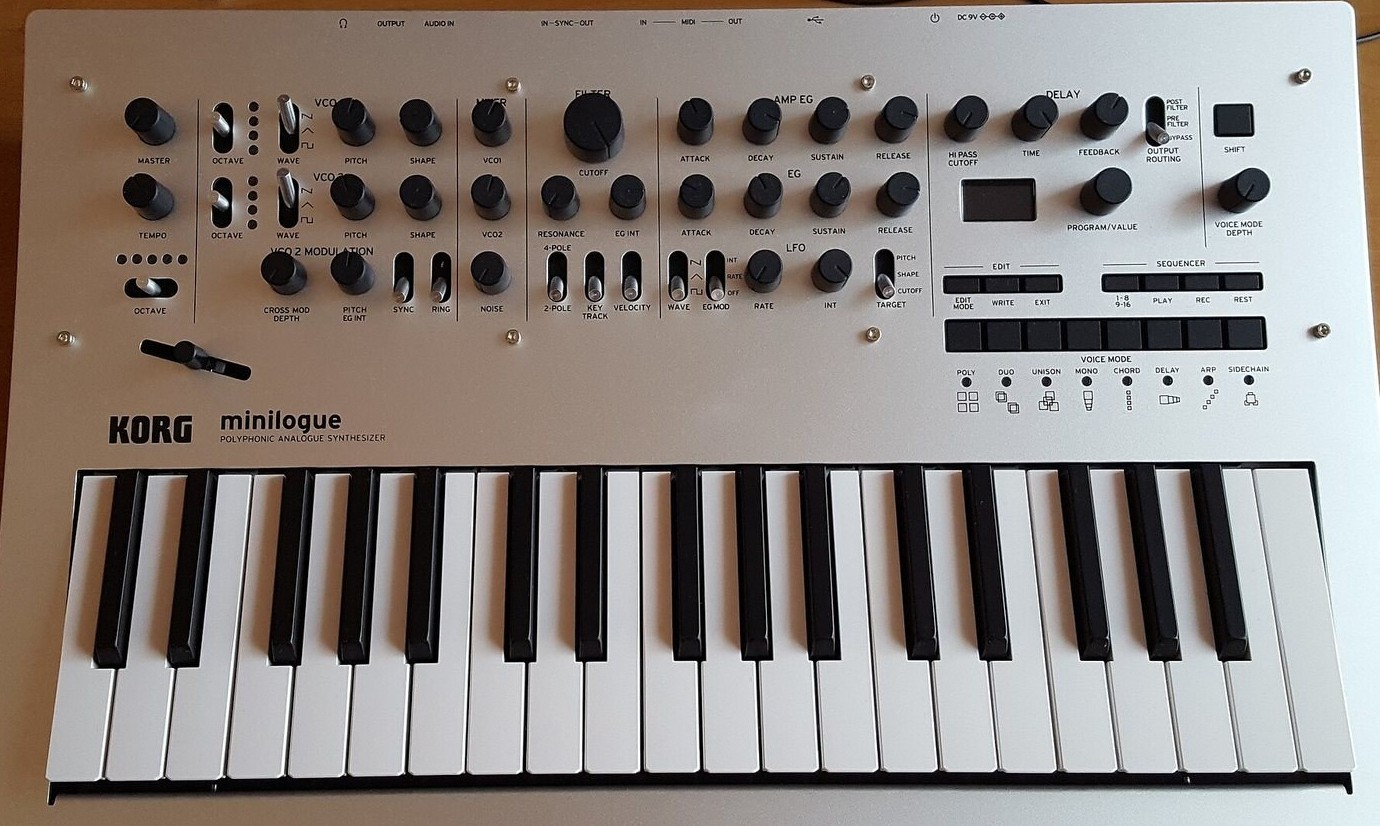
- Arturia MicroFreak and MiniFreak. One family that shares many oscillator types, and both astonishingly cheap for what they do. Digital sound generation, analogue filter, a very distinct character. The MicroFreak has a touch-sensitive strip instead of keys and is looked after unusually long, the firmware is at version 5. The MiniFreak has real keys and more voices.
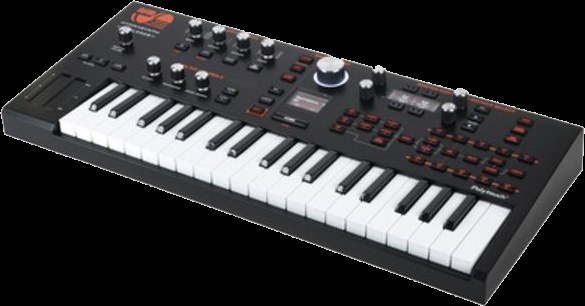
- ASM Hydrasynth Explorer. The small edition of a very deep digital synthesizer, it also runs on batteries. Its speciality is polyphonic aftertouch: the keyboard measures for each key separately how hard you keep pressing after the initial strike. You can make a single note within a held chord get louder or brighter, with your finger alone. Very few devices can do that, and in this price range almost none.
- Korg microKORG. The evergreen. Mini keys, a vocoder for the voice, and available second-hand everywhere.
- Korg Volca range. Palm-sized boxes with a battery compartment and a speaker, each for exactly one job: bass, keys, beats, sample, FM. Cheap individually, together a small ensemble.
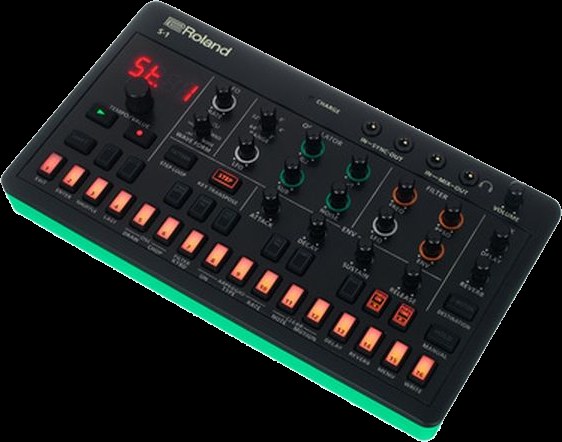
- Roland AIRA range. Just as compact and battery-powered, with the sounds from Roland's own history, meaning the drum machines from chapter 11. They can be linked to each other.
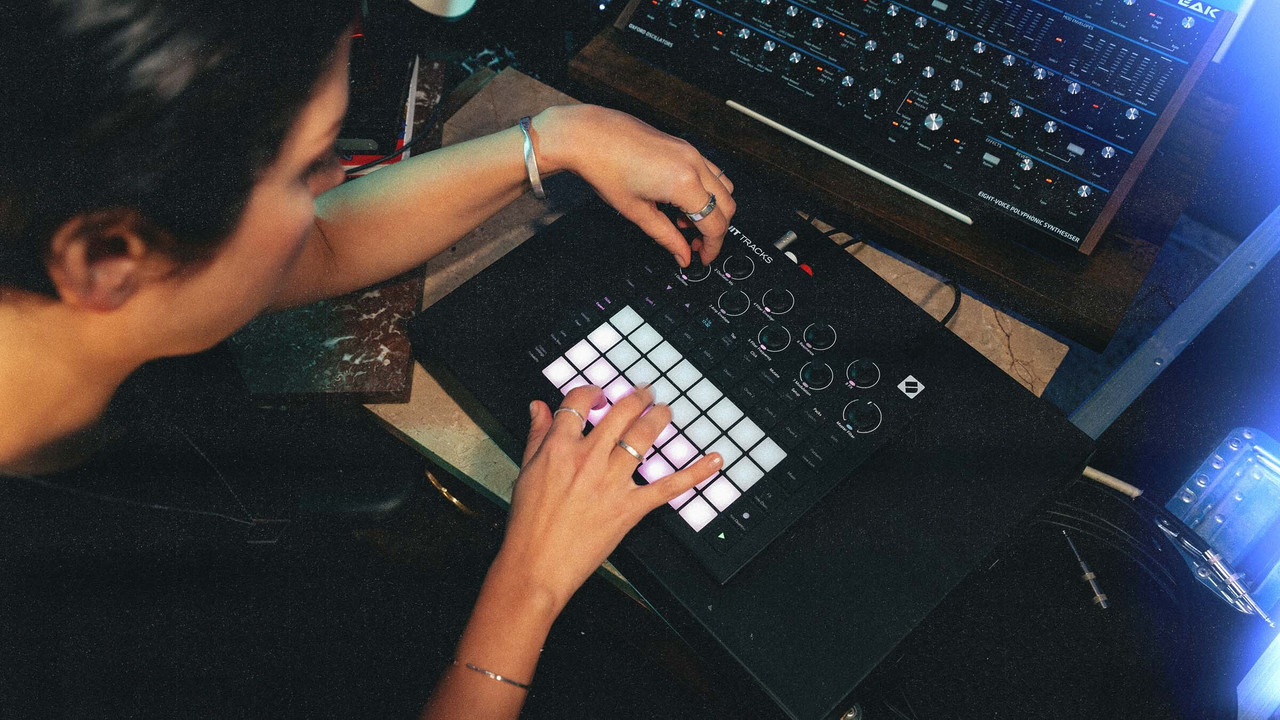
Take the device that requires the least thinking before a note comes out. A deep device sitting unused on a shelf is worth less than a simple one that is switched on every day. What that looked like with the Hydrasynth Explorer after a week I wrote down here, and how it plays together with the Circuit Tracks here.
IN THE BOOKLET: CH 13 · OLD VERSION
CH 13Analogue or digital›Analogue means the sound comes from real electrical voltage in components.1 min
Analogue means the sound comes from real electrical voltage in components. Small inaccuracies make it lively, but such a device is more expensive, less flexible, and the settings often cannot be stored. Digital means the sound is calculated. That is precise, very versatile, storable, and can do things that are impossible in analogue.
Both are good, neither is better. The idea that analogue is inherently warmer is more story than rule. Most of the devices we work with in the course are digital, and nobody hears it.
IN THE BOOKLET: CH 13 · OLD VERSION
CH 13Hardware or software›The same question comes up again one level higher, and the answer is just as far from clear-cut.1 min
The same question comes up again one level higher, and the answer is just as far from clear-cut.
- For hardware: switch it on and it is there, every knob does something, nothing crashes, nothing needs updating. Yesterday's state is today's state.
- Against hardware: what is in it is in it. No retrofitting, no rebuilding, and a new device and a new cable for every new function.
- For software: you lay out the surface yourself, combine as you like, and an update sometimes brings something new overnight.
- Against software: before the first note there is setting up, and you have to think a little like someone who builds things. In return the result really is your instrument.
Most people end up with a mixture, and that is not indecision but the sensible answer.
By the way, hardware is not as fixed as it used to be: some devices gain entirely new functions through new firmware. More on that in Booklet 2, chapter 27.
IN THE BOOKLET: CH 13 · OLD VERSION
CH 27Cheap synths and custom firmware›Since autumn 2026 something has shifted: people are writing their own operating systems for synths and grooveboxes, helped by AI tools.4 min
factory firmware
open firmware
Since autumn 2026 something has shifted: people are writing their own operating systems for synths and grooveboxes, helped by AI tools. A device under 100 euros can now do things only expensive boxes could do a year ago. If you are asking which synth is cheap and good, you should know about this.
The example: M-VAVE FM-1
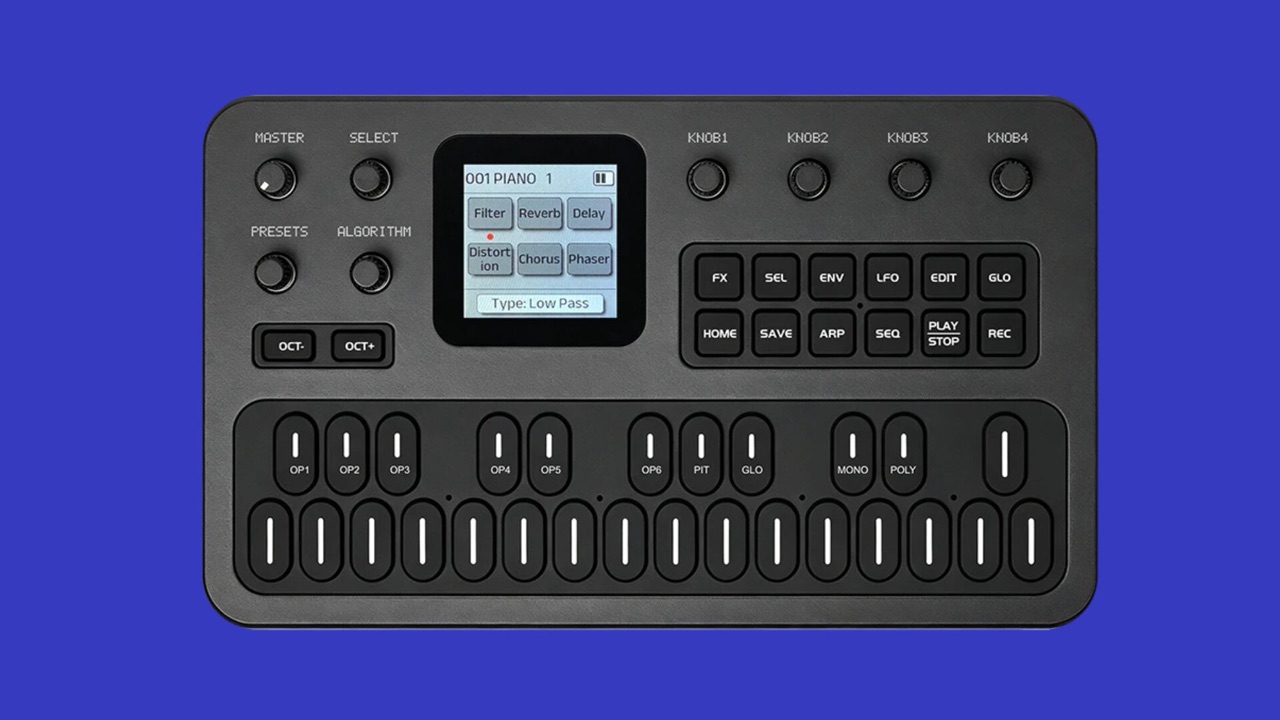
The M-VAVE FM-1 (also sold as Cuvave) is a small FM synth in the style of the Yamaha DX7: 6 operators, 32 algorithms, 128 presets, arpeggiator, 16-step sequencer, MIDI over USB and jack. It usually costs well under 100 euros; in autumn 2026 it was around 55 to 70 euros on AliExpress and eBay. Out of the box it is a solid, fairly unspectacular pocket synth.
The community made it exciting. First people took the firmware apart, then M-VAVE itself responded and released an open firmware with developer tools in October 2026 (FM1 Open, with a browser workbench). fm1-editor.com/firmware now lists over 200 alternative firmwares: other synth engines (for example an analog-style synth), 8-track grooveboxes, samplers, generative toys, even one that turns the device into a computer keyboard. Most are free, some cost a few euros.
Most firmwares install straight from the browser (Chrome or Edge) over USB, or with the maker's update tool. You do not need to code, and you do not need AI to use them. Before you start: back up your own sounds and projects and keep the original firmware at hand. You get back to the factory firmware with the maker's tool (M-UPGRADE), and many firmwares also have a rescue mode at power-on. But: not every firmware is mature, some are explicitly experimental, and nobody gives you a warranty for it. Read the developer's instructions for each firmware first.
Elektron: Model:Cycles and others
The same exists for more expensive devices, such as the Elektron Model:Cycles, with more risk there.
In detail: Modded Cycles, risk, Elektron's position
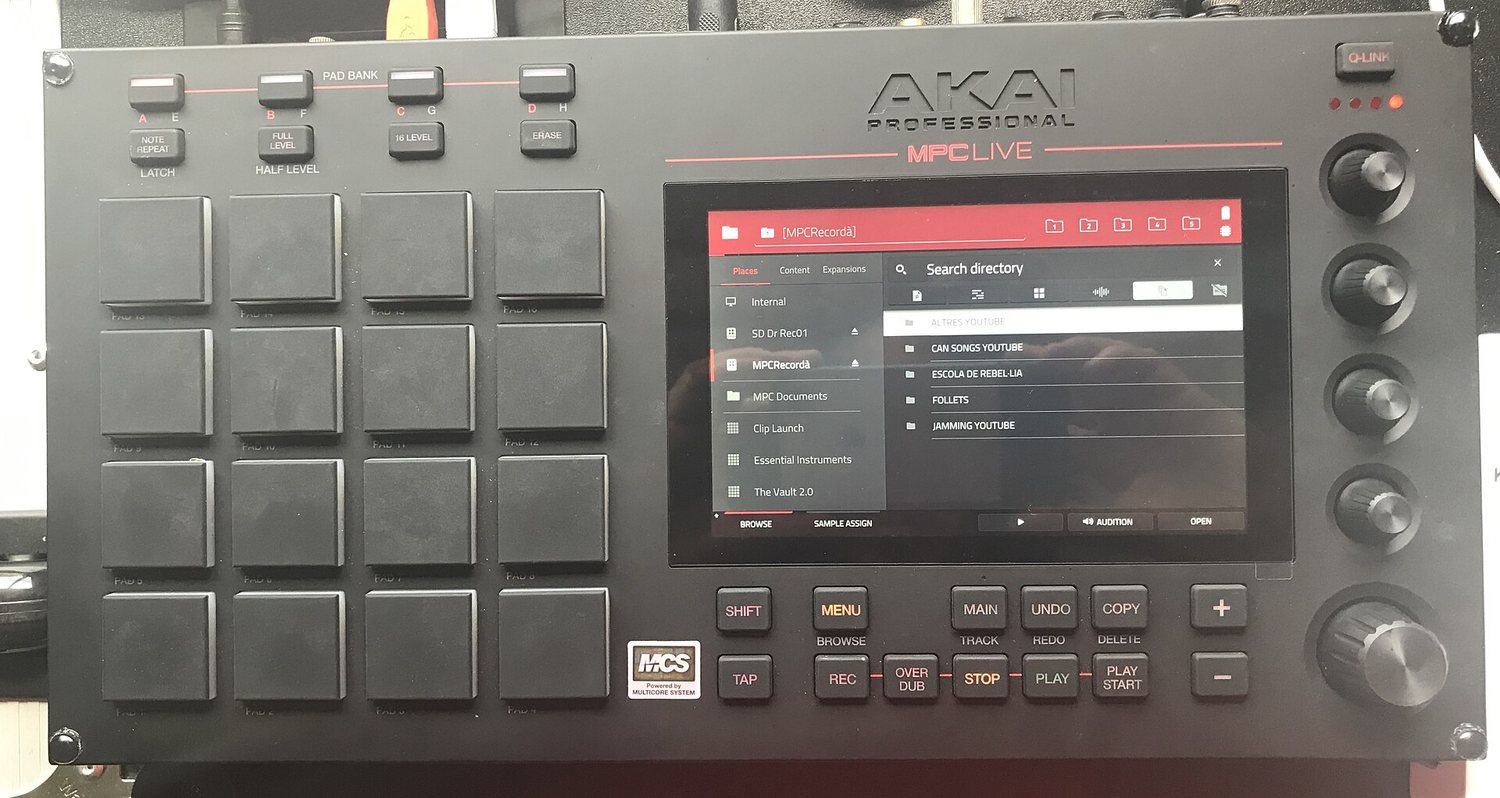
The same is happening with more expensive gear. Since October 2026 the Elektron Model:Cycles has Modded Cycles: a browser tool that extends the official firmware of your own box. Among other things it can then send six separate tracks to the computer over USB (something you only knew from Overbridge on the bigger Elektron devices), and it gets extra engines, a sampler and an arpeggiator. Another project is called Model-TG. Older devices like the first-generation Octatrack, Digitakt and Digitone have mods too, as do the Roland SP-404MKII, the Blackbox and the old MPC500.
This makes a used Model:Cycles much more interesting for little money. But: parts of the firmware are still alpha, users report bugs, and there is a risk of temporarily making the device unusable. In September 2026 Elektron announced that mods and guides may no longer be shared on its forum, because poorly tested firmware can damage devices. That does not forbid modding your own device, only sharing it there.
On your own device this is generally allowed in Germany, at your own risk.
Are you allowed to?
Briefly and not as legal advice: the device is yours. German copyright law allows you to do what is needed to use software as intended, and to observe and test how it works (§ 69d UrhG); decompiling is allowed narrowly to make programs work together (§ 69e UrhG). How far that goes for patched manufacturer firmware is not fully settled. More important in practice: if third-party firmware breaks something, the manufacturer can refuse a warranty repair. With a 60-euro device the risk is small; with an expensive groovebox, think twice.
Why this could be the future
In short: AI tools make custom firmware cheaper, and the first manufacturers are opening their devices for it.
In detail: AI, open firmware, Behringer KICK
So many firmwares appear so fast partly because of AI: coding assistants help read other people's code, name functions and build your own extensions. Manufacturers are responding. M-VAVE opened its firmware, and Behringer announced the KICK sampler, MPC-style with touchscreen and 16 pads, whose software is reported to be open on GitHub. Price and date are still open. Ableton Move also has community extensions, Schwung and Movy. Cheap hardware may well become less a finished product and more a platform that grows with its users.
Looking for a cheap first synth: the FM-1 is hard to beat for the money, and with a different firmware it becomes a completely different instrument. Keep in mind: FM synthesis is harder to grasp at first than a classic filter synth (Booklet 1, chapter 13), the device is small and fiddly, and shipping from China can take weeks.
Sources
Sources, as of 02.11.2026: Synthtopia, M-VAVE opens the FM-1 firmware, firmware directory fm1-editor.com, Synth Anatomy on the FM-1, Synth Anatomy on Modded Cycles, Modded Cycles wiki, Gearnews, custom firmware is booming, CDM, Elektron on hacks and mods, Dubspot, AI and custom firmware, MusicRadar on the Behringer KICK, § 69d UrhG, § 69e UrhG.
IN THE BOOKLET: CH 27 · OLD VERSION
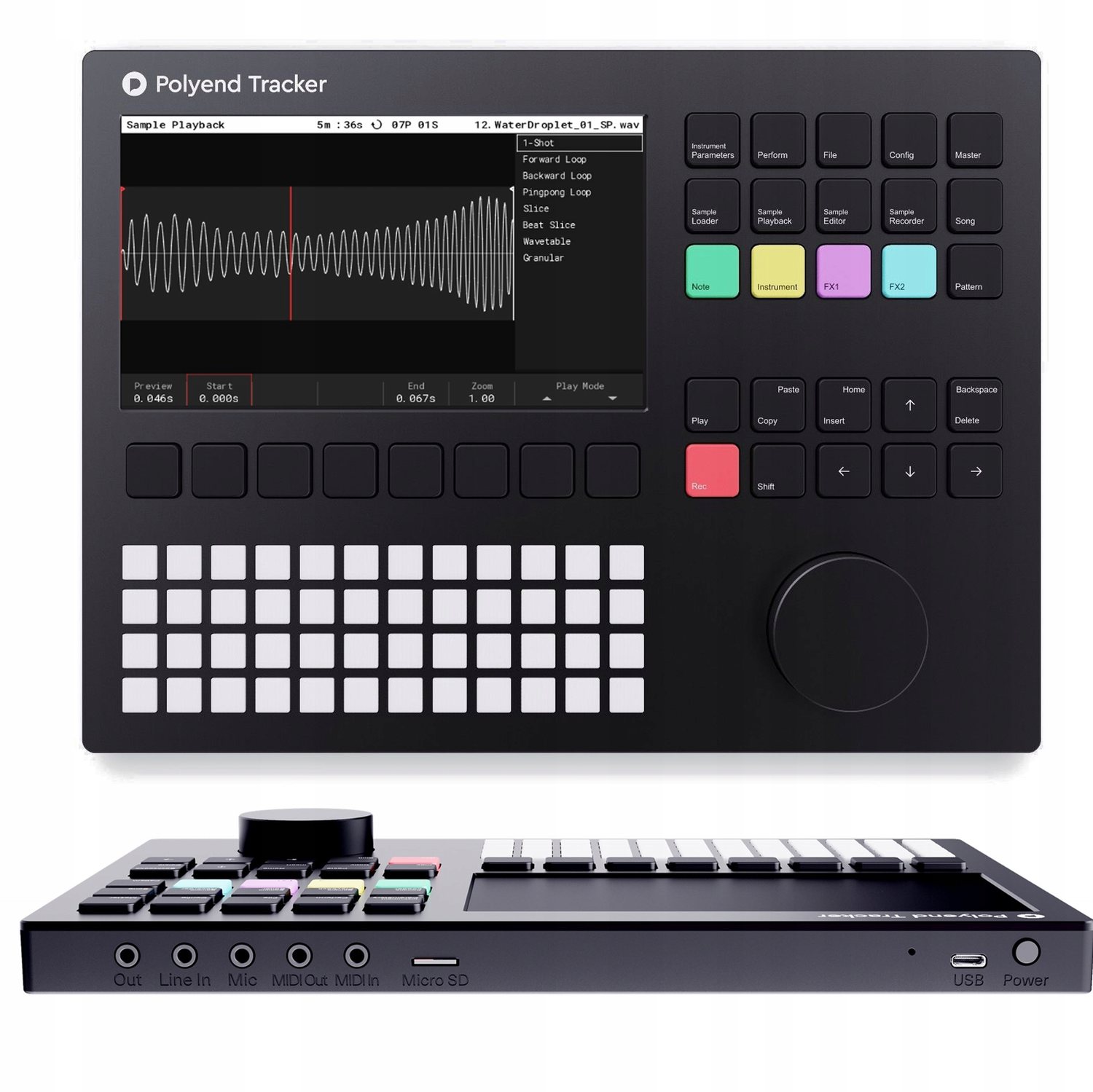
CH 09Three build types side by side›The same goal, three very different routes to it.1 min
The same goal, three very different routes to it. I bring the first of the three, and it gets a chapter of its own in a moment.
IN THE BOOKLET: CH 09 · OLD VERSION
CH 03What you really need when buying›MIDI Learn.1 min
- Velocity sensitivity. Does the key respond to how hard you press? Without it every note sounds equally loud, and playing turns into typing. The one point where saving money really does come back to bite you.
- Enough keys, not many. 25 to 37 is plenty to start with. Anything beyond that gets heavy and no longer fits on the table next to the other devices.
- A few free knobs. Four to eight is enough to move filters and effects live. That is the difference between playing back and playing.
- USB is usually enough. You only need a classic five-pin socket if you want to drive hardware without a computer.
MIDI Learn. You click a knob in the software, then turn a knob on the controller, and the two are married. That is how you tie knobs to functions without looking up numbers. Almost every piece of software can do it, Loopy Pro included.
IN THE BOOKLET: CH 03 · OLD VERSION
CH 06The only question that really counts when buying›How many things do you want to record at once?1 min
How many things do you want to record at once? Everything else follows from that. One microphone alone needs one input. Voice and guitar together need two. A drum kit or a band needs eight. Two inputs is the usual entry point and covers almost everything that comes up in this course.
On the back panel you will often see Line, Instrument and Mic on a switch. Those are three different signal strengths: a microphone delivers very little, a synthesizer or mixer delivers a lot, an electric guitar sits in between and additionally needs a very high input impedance. With the switch in the wrong position it is either far too quiet or it distorts. That is the same level error as in chapter 07, just at the input already.
Drivers are not needed on a Mac or an iPad, but they are on Windows, where the standard is called ASIO. And power: most small devices draw it over USB, larger ones need a power supply. On an iPad this is the most common reason an interface is not recognised.
IN THE BOOKLET: CH 06 · OLD VERSION